How to Digitize Your Artwork
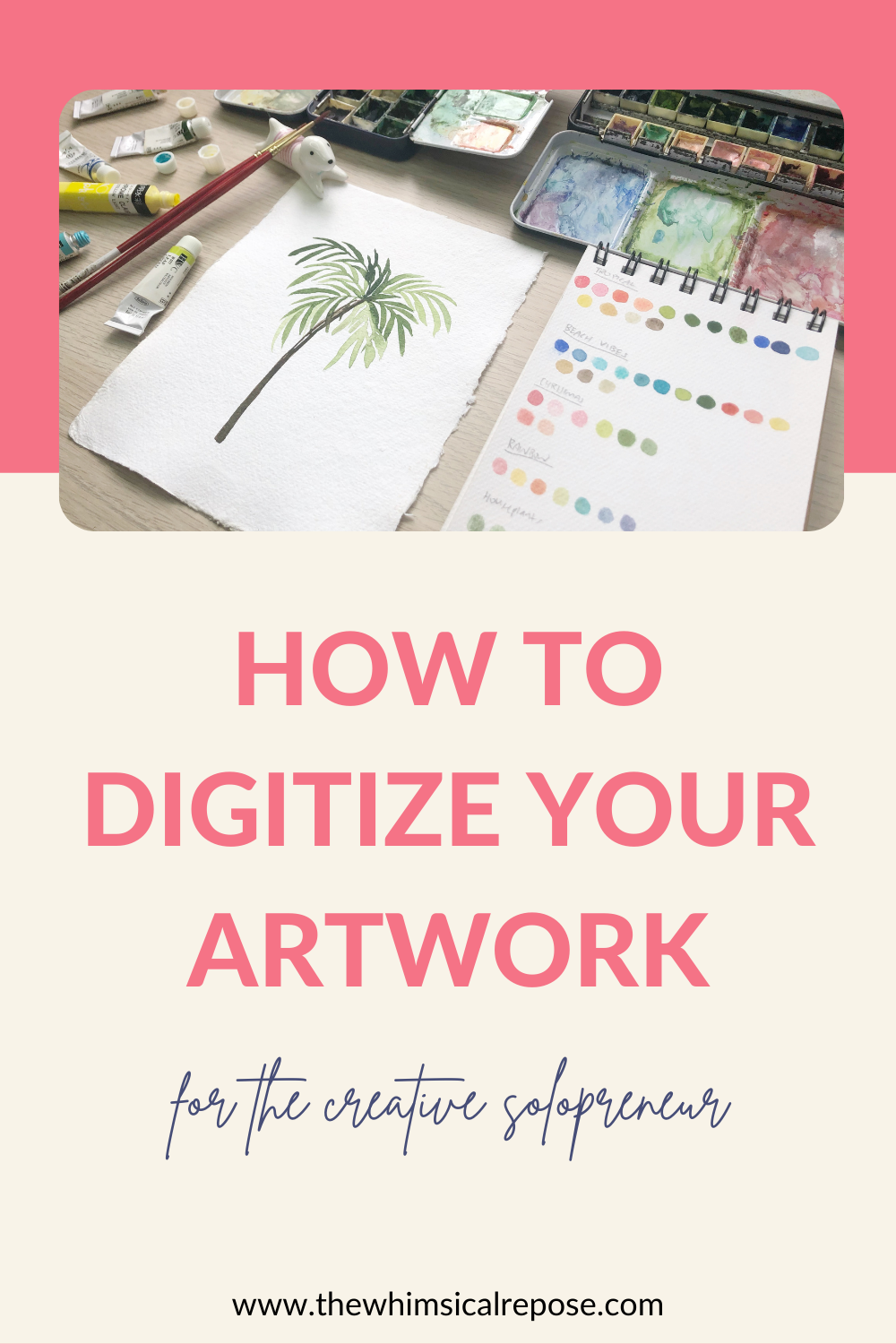
Have you been struggling to digitize your artwork for print? Digitizing artwork is a whole different skill set from making art, and it can get pretty overwhelming especially when you’re doing it for the first time. Digitizing artwork is not a complicated process, but it is rather tedious and requires a lot of time and effort to do it properly.
When I first started digitizing my work, it seemed to take forever but the process has gotten much faster for me now that I am more familiar with it.
How to scan artwork?
The trick to scanning artwork is to scan it at the highest possible DPI. DPI is also known as Dots Per Inch. Basically it refers to the number of printed dots per inch. For your artwork to appear crisp and sharp on print, you will need a minimum of 300 DPI. That being said, I always like to scan at a much higher DPI because I like the flexibility of being able to work on a larger canvas if need be.
How to clean up scanned artwork?
Cleaning up the scanned artwork is arguably my least favourite part of the creative process, but I’ve learnt to embrace it, or perhaps dislike it a little lesser. I use both Adobe Photoshop and Procreate for the editing and clean up process because I much prefer the precision of the Apple Pencil for finer detail work over my mouse.
Some time ago I shared a snippet of my digitizing process and it was so well-received that my followers started asking for tutorials. Grab a copy of the FREE guide on my website!